Activities from children’s courses
These twenty-four activities come from computer-skills and digital-literacy courses for children aged 6 to 13, and every one of them works in English and Spanish. I designed them and built each one as a standalone page on the design system of GrassLMS, the LMS I wrote.
Most of them copy programs that children already use, such as File Explorer, Chrome and Google Docs, so the practice carries over. A mistake costs nothing here, and children keep trying things instead of waiting to be told what to press.
The spaceport course
Ten computer-skills tasks share one story about a virus in a spaceport, and a map ties them together. Each task saves its result in the browser, so the map clears a sector once its tasks are done and plays the ending when all four are free.
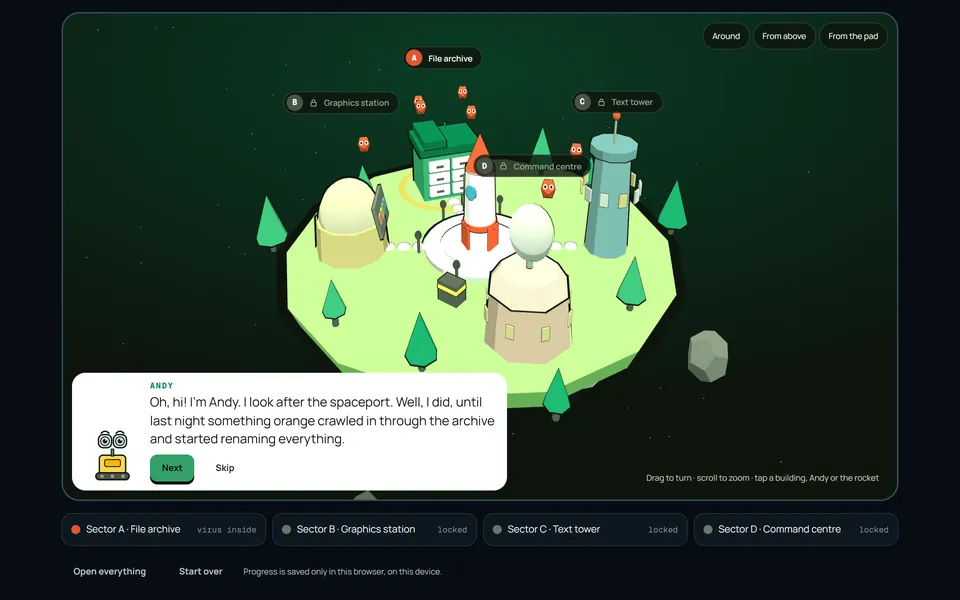
Help Andy take back the spaceport
The map is the hub of the course, a 3D island where each building opens one sector’s tasks and a short job of its own.
Progress comes from the tasks themselves, and a child watches the island clear as the course goes on. The map works in English and Spanish.
Open the map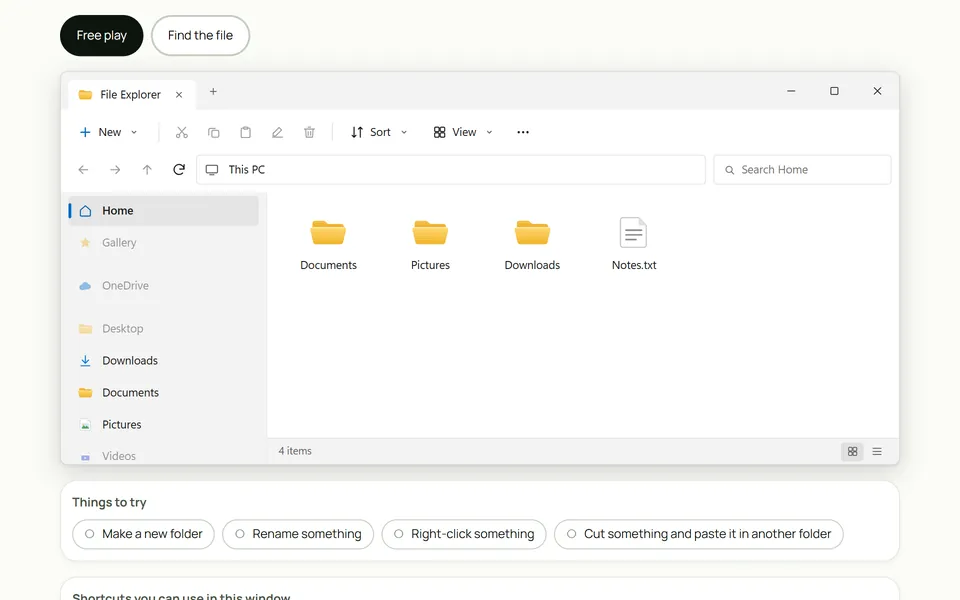
Practising with File Explorer
Sector A starts in a safe copy of File Explorer, where children aged 8 to 11 make, rename and move folders and then follow a path down to one file, in English or Spanish.
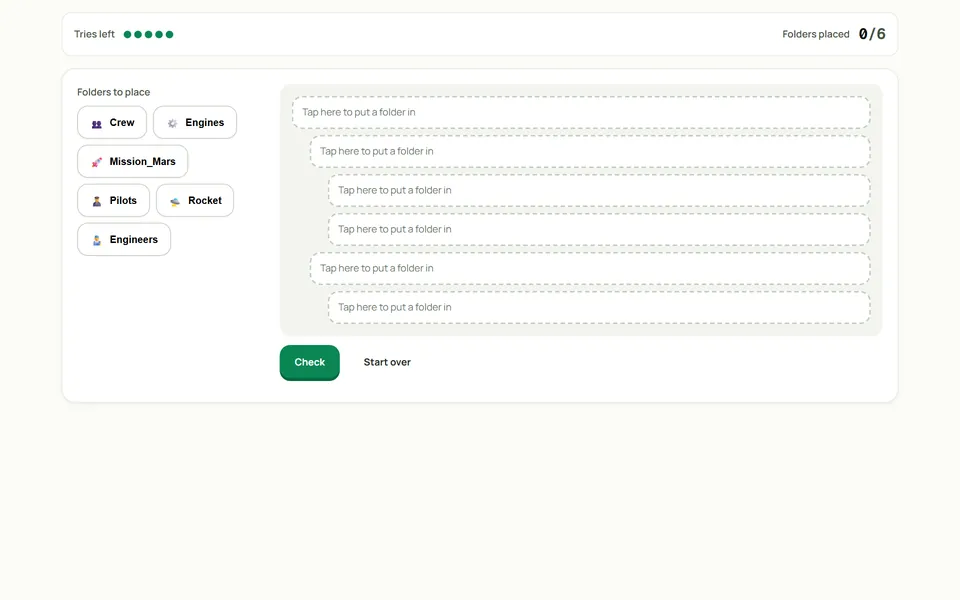
Rebuild the folder tree
The child puts a scattered folder tree back together from the indentation of the empty slots and learns that indentation shows how deep a folder sits. The task is in English and Spanish.
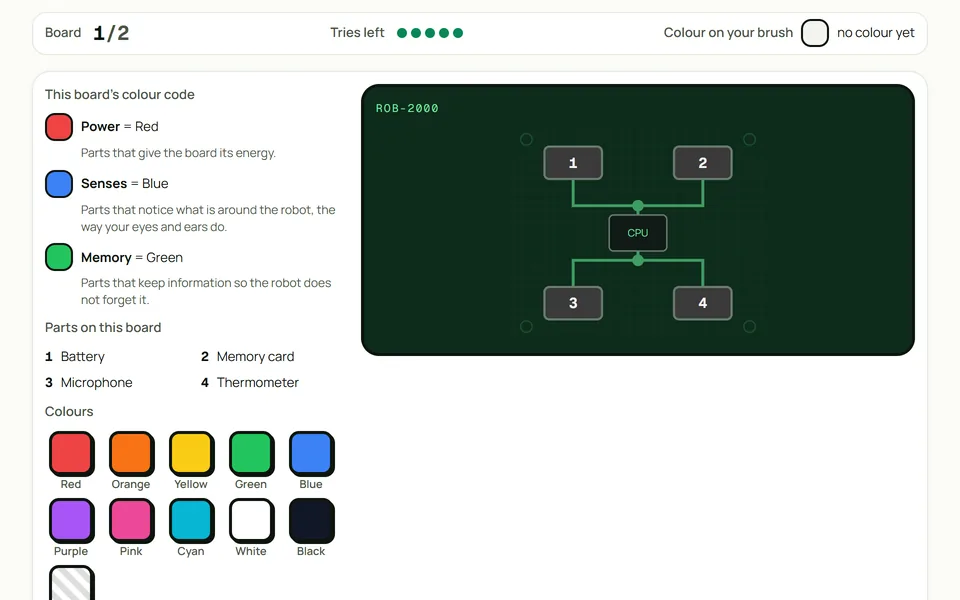
Repaint the circuit board
Every part of a grey circuit board has a job, and the child works out that job to find its colour in the code, first on a board of four parts and then on one of six. It works in English and Spanish.
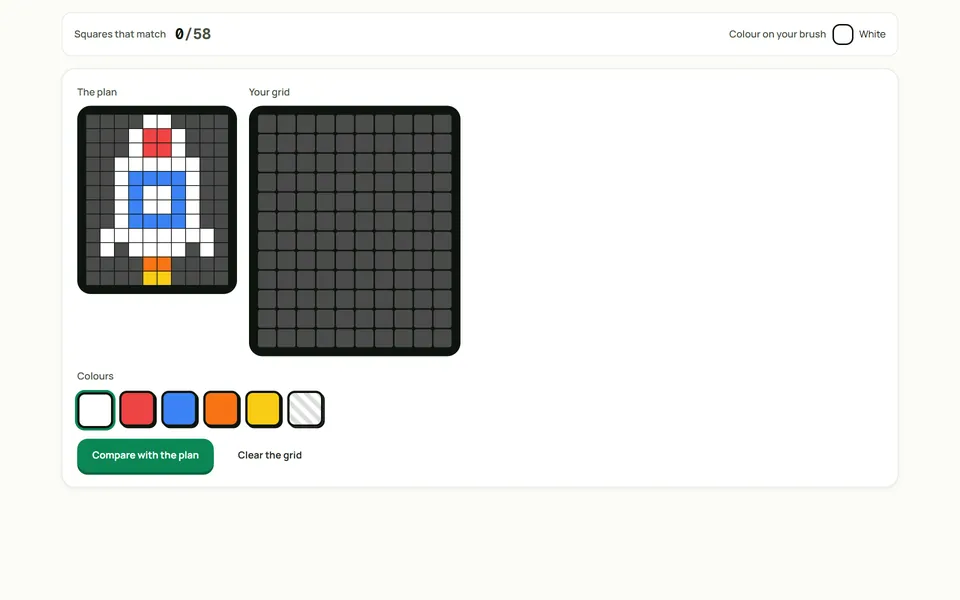
Copy the pixel rocket
The child copies a pixel plan square by square onto a blank grid, which trains careful reading of rows and columns. It works in English and Spanish.
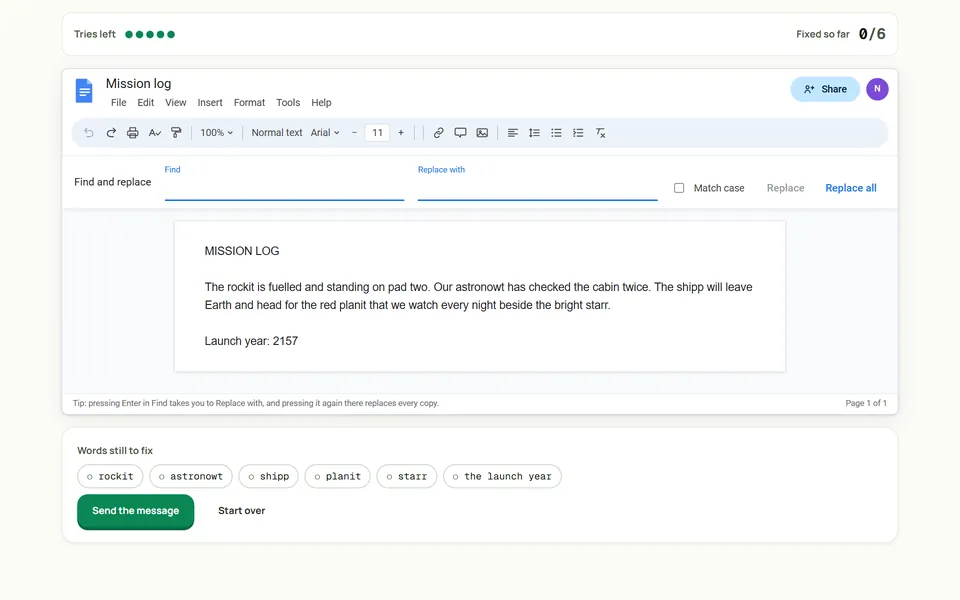
Fixing a message with find and replace
A radio message has five misspelled words and an impossible launch year. The child fixes it with Find and Replace in a copy of Google Docs instead of retyping, in English or Spanish.
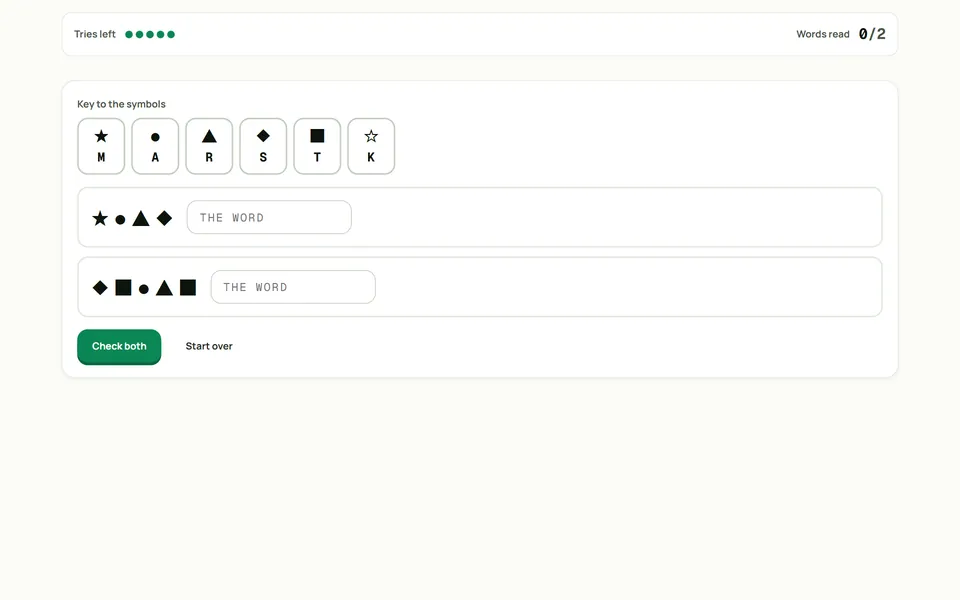
Reading a message written in symbols
The child decodes two words with a symbol key that holds one decoy, a symbol that appears in neither message, so careless matching shows up at once. It works in English and Spanish.
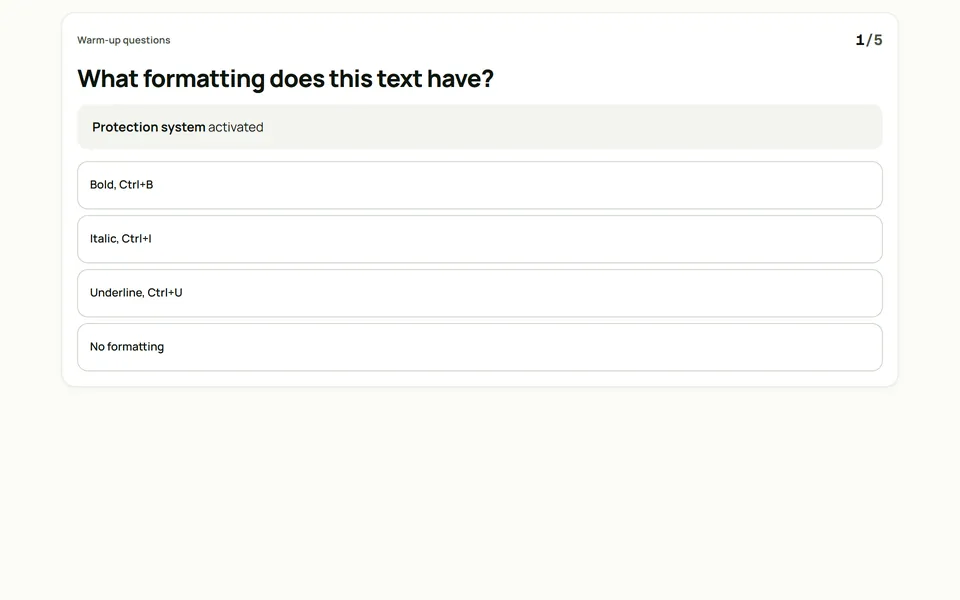
Formatting a mission report
Five warm-up questions check that the child can see formatting. Then the child applies bold, italic, colour and size to a report while a checklist ticks off each change, in English or Spanish.
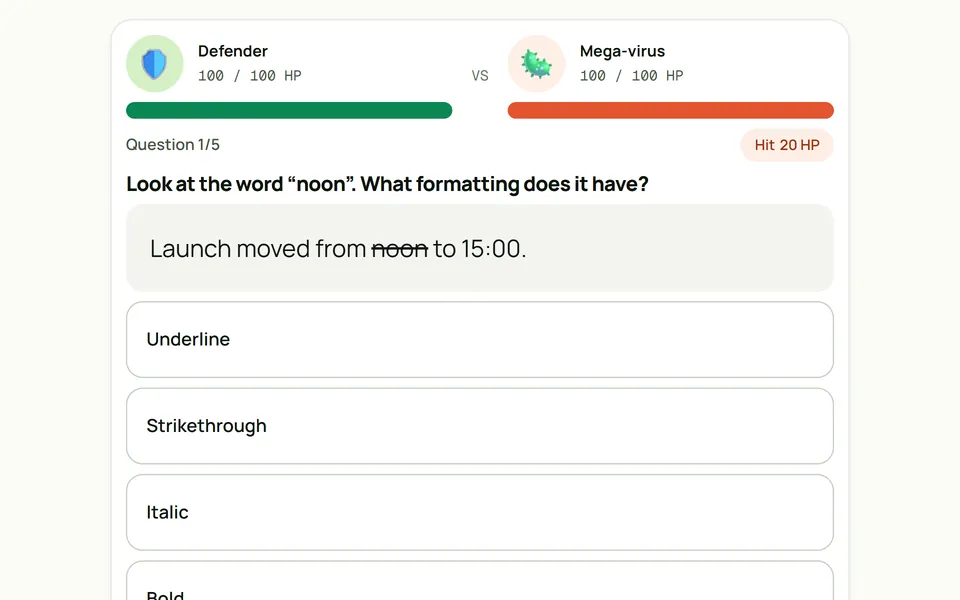
Defend the server from the virus
This is the check after the report, in which children aged 9 to 12 name the formatting on five samples. Every wrong answer explains what the right one looks like, in English or Spanish.
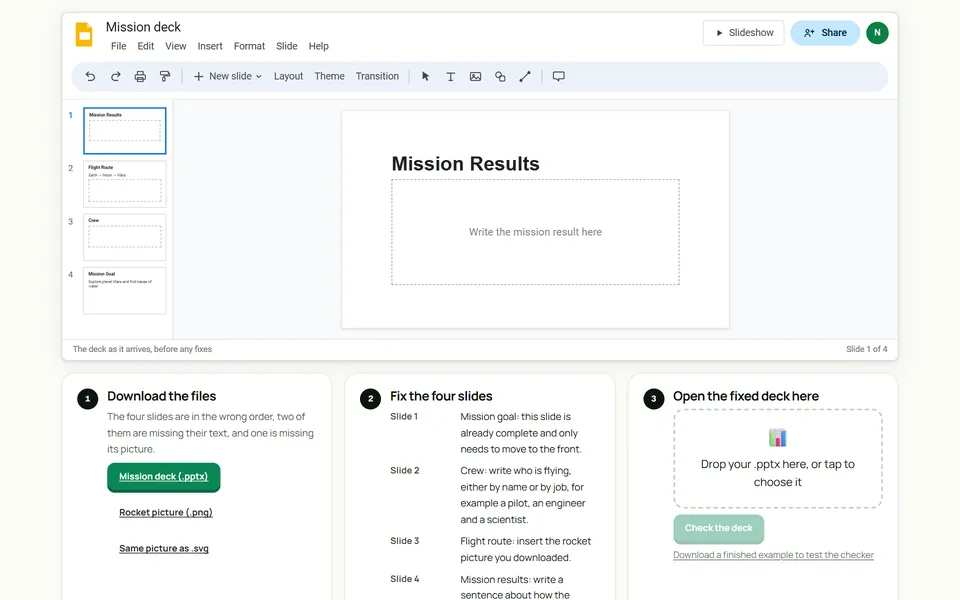
Fixing a slide deck
The child downloads a broken .pptx and fixes it in any slide program. Back on the page, the file is checked slide by slide without leaving the computer, in English or Spanish.
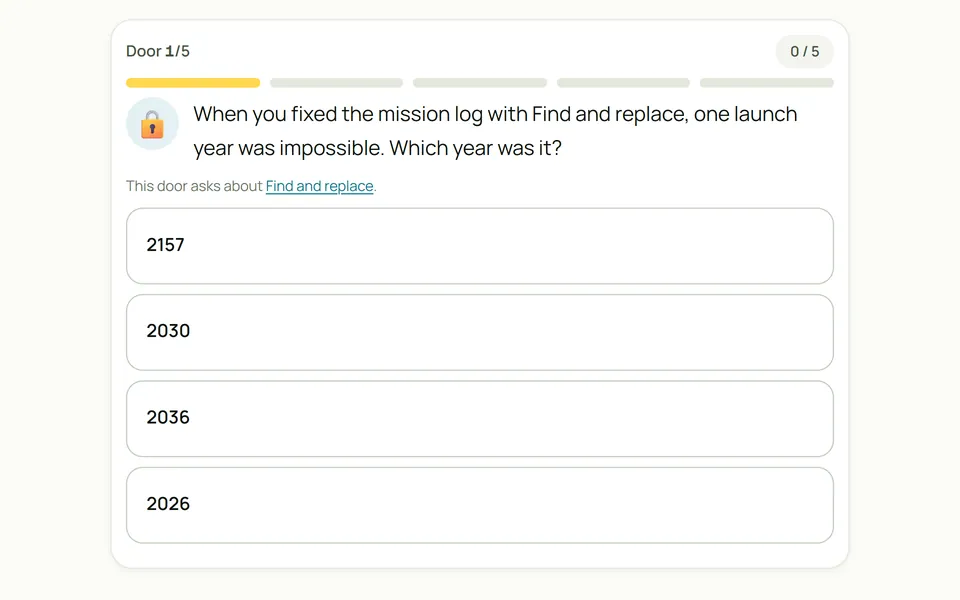
Five doors between you and Andy
Children aged 8 to 11 open five doors to free Andy, and each door asks about a task they played around the spaceport. They need the launch year that could never happen, the second word from the cipher, the spacewalk they struck through, the room an .mp3 goes to and which task went with which job.
Everyday computer skills
These activities copy the programs children use at home and at school, so what they practise here carries over to the real thing.
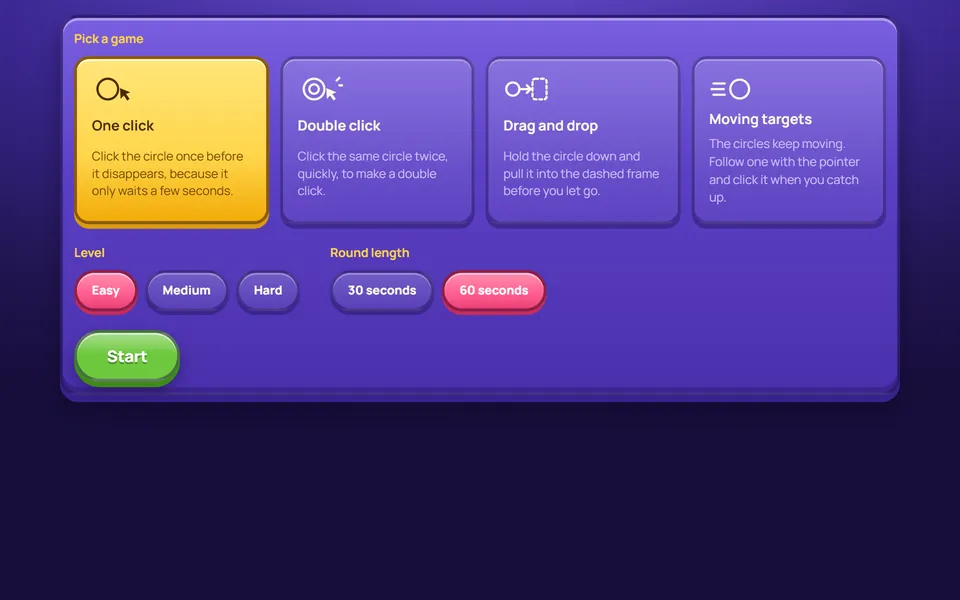
Clicking and dragging with the mouse
Four short games for children aged 6 to 9 train one hand movement each, clicking, double-clicking, dragging and catching a moving target, at three speeds. They work in English and Spanish.
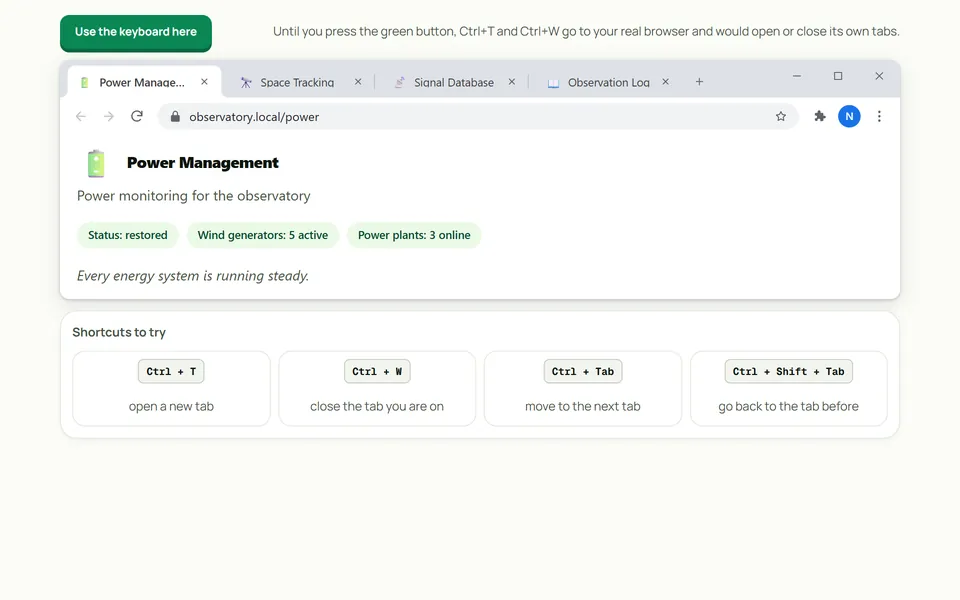
Opening and switching tabs from the keyboard
In a copy of Chrome, children aged 9 to 12 learn four tab shortcuts, and each one is ticked off as soon as it is used. The activity is in English and Spanish.
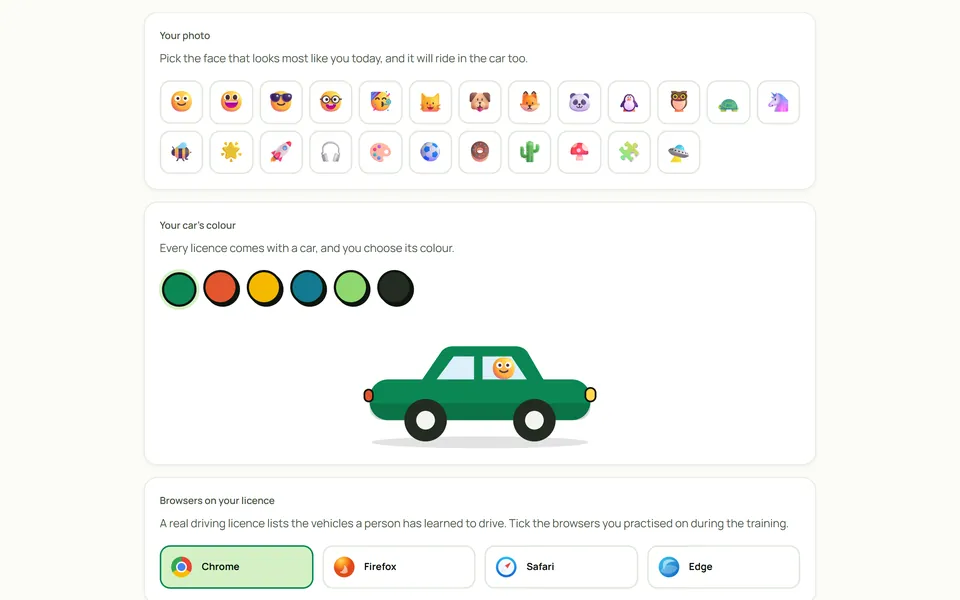
Make your browser driving licence
After the browser training, children aged 8 to 11 make a licence with their name, a face and the browsers they practised on, and save it as a picture. It works in English and Spanish.
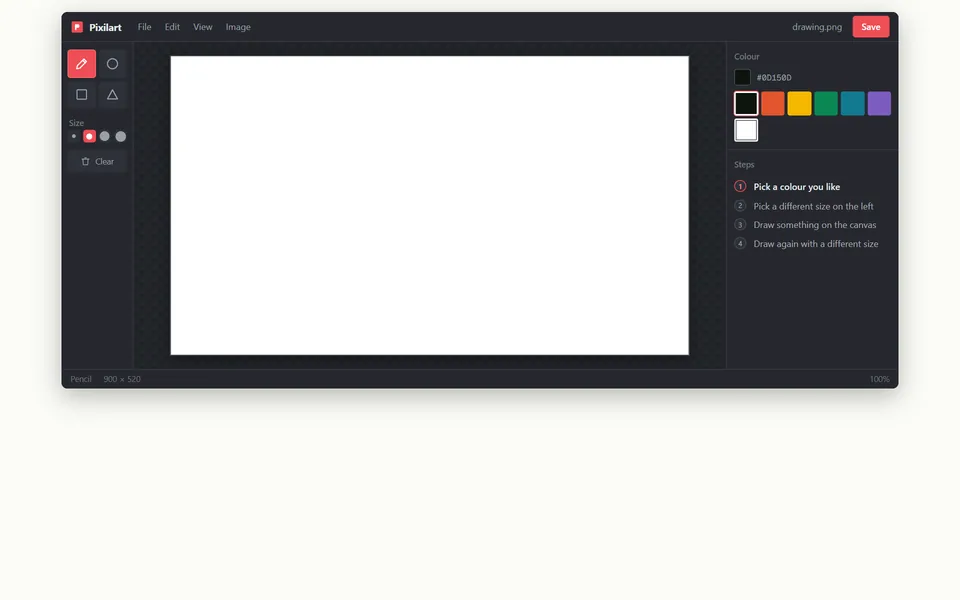
Learning the drawing tools in Pixilart
In a copy of Pixilart, children aged 8 to 12 pick a tool and follow its steps, and a step is ticked only when the drawing on the canvas matches it. It works in English and Spanish.
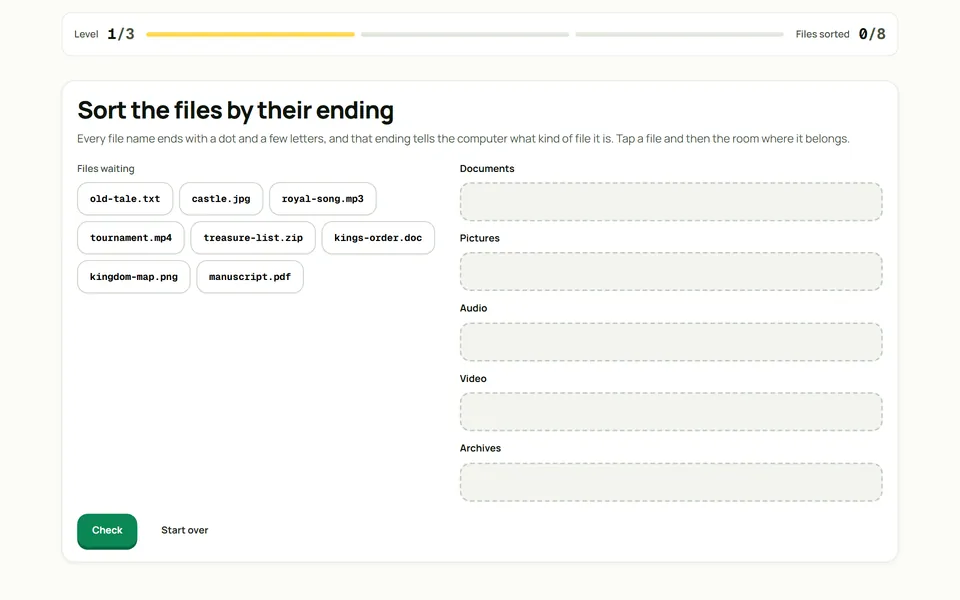
File Kingdom
Children aged 8 to 10 sort scattered files over three levels, by extension, by what the name says is inside and by who needs them. The game is in English and Spanish.
Staying safe online
Both activities train a habit that a rule on a poster does not give, which is reading the address and the source before trusting a page.
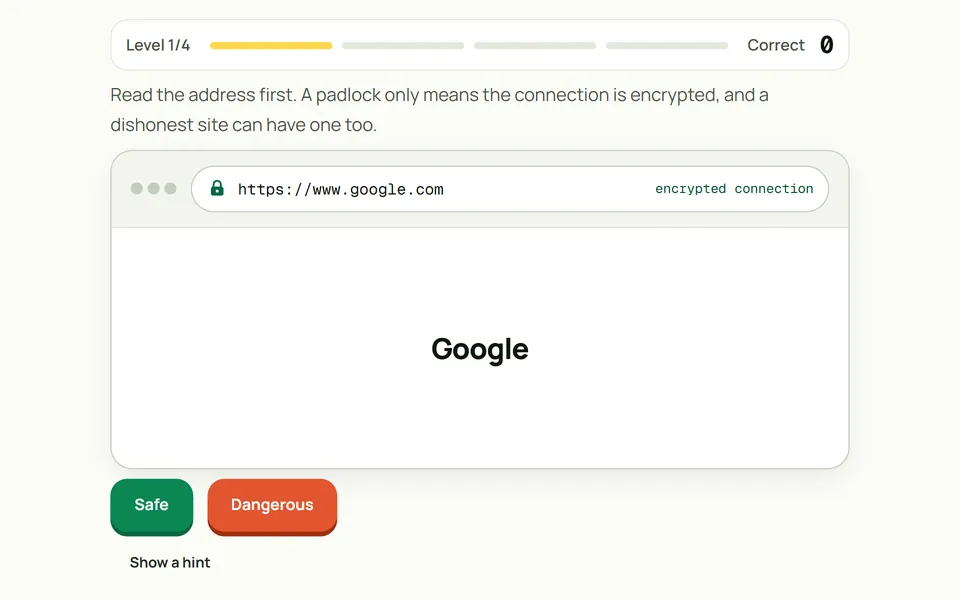
Spotting a website that wants to trick you
Children aged 9 to 12 judge websites by their address, including traps that have a padlock, and finish by closing the dangerous tabs in a full browser. Every answer says what gave the site away, in English or Spanish.
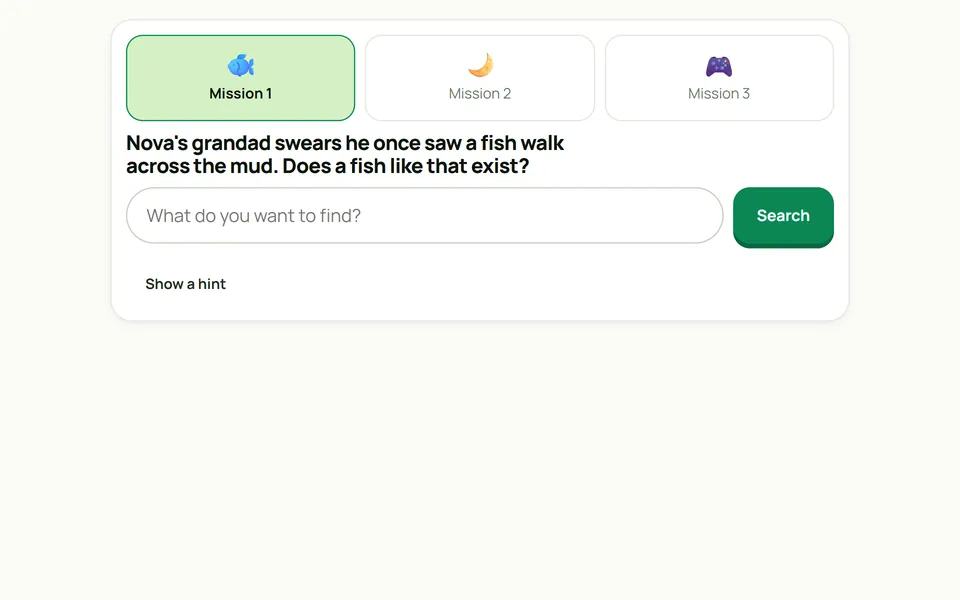
Searching for an answer you can trust
Children aged 9 to 12 type their own searches for three questions and pick the one trustworthy result among ads, scams and pages about something else. The activity runs in English and Spanish.
How the web and AI work
Here children look inside the technology they use, by switching parts of a web page off or by watching a neural network guess.
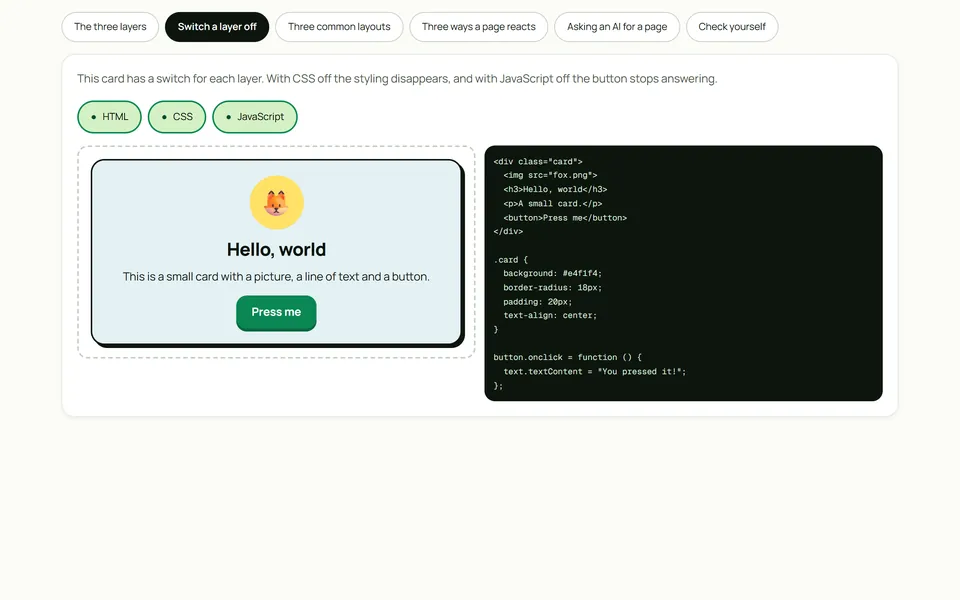
A web page has three layers
Children aged 10 to 13 switch HTML, CSS and JavaScript off on a live card to see what each layer does, and then answer three questions that explain themselves. It works in English and Spanish.
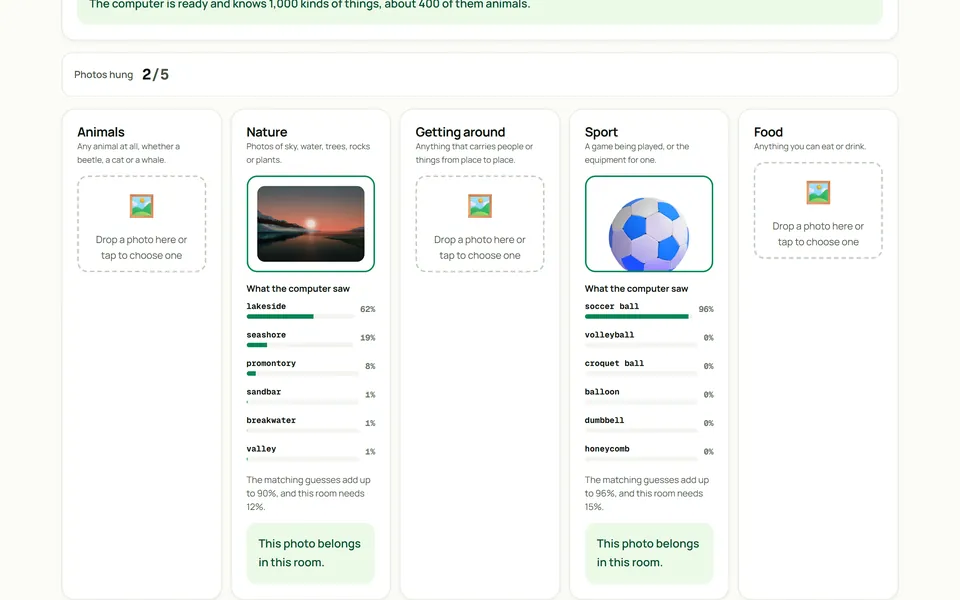
Show the computer a photo
A neural network inside the page decides whether a photo belongs in one of five rooms and shows the guesses behind each decision. When it misses, the page explains that it only knows the 1,000 things it was taught, in English or Spanish.
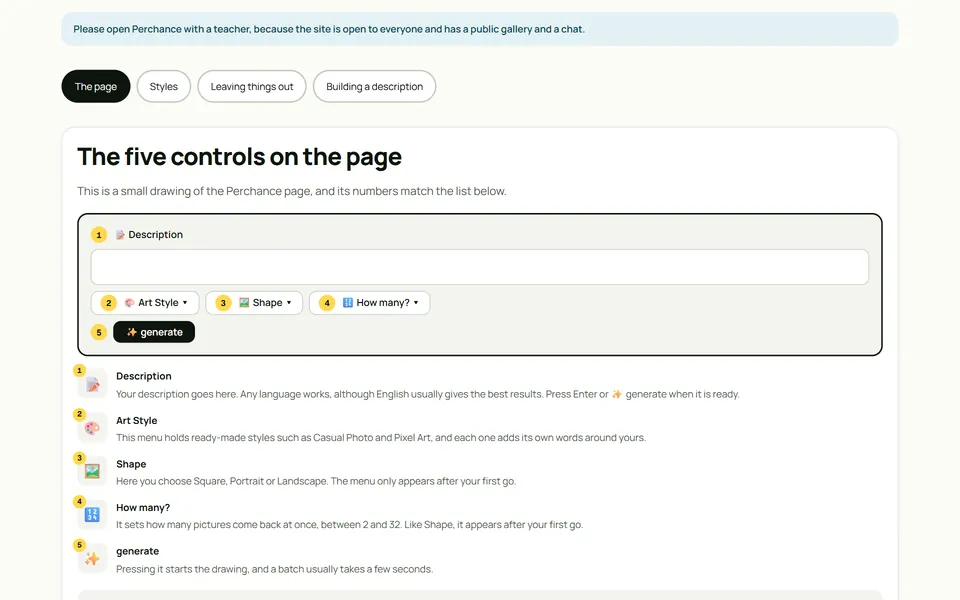
How to describe a picture for Perchance
The workshop explains the controls of Perchance, an AI image generator, and then has the child build a description in three steps that answer who, where and doing what. It is meant for a lesson with a teacher, in English or Spanish.
Making things and showing them
These activities are about building something with a purpose and then talking about it in front of the class.
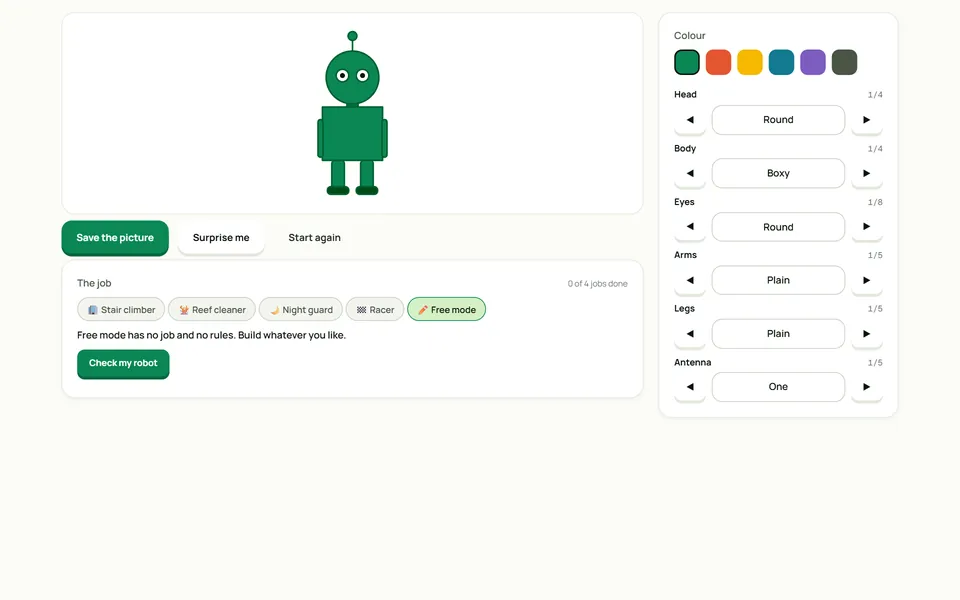
Build a robot for a job
Children aged 7 to 10 build a robot for a job such as climbing stairs or cleaning a reef, and the check explains why each chosen part fits or not. It works in English and Spanish.
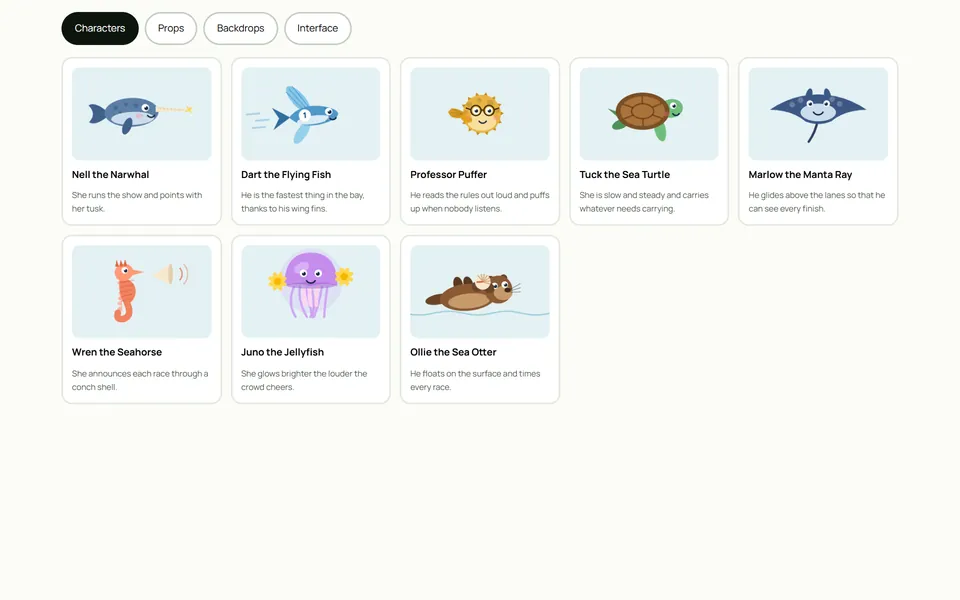
Reef Games sprites made from code
Every character of the Reef Games is drawn in code. The child can open that code, change the size, speed and colour, and save a sprite sheet that loops, in English or Spanish.
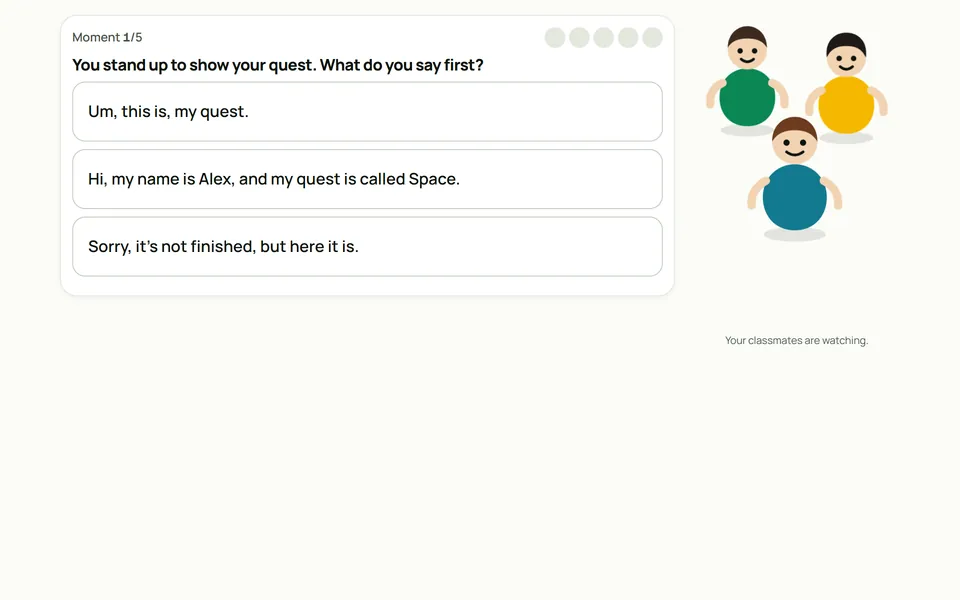
Showing your work to the class
Children aged 7 to 10 go through five moments of presenting their own project and responding to a friend’s. More than one answer sounds fine, and each choice comes with what it costs, in English or Spanish.